
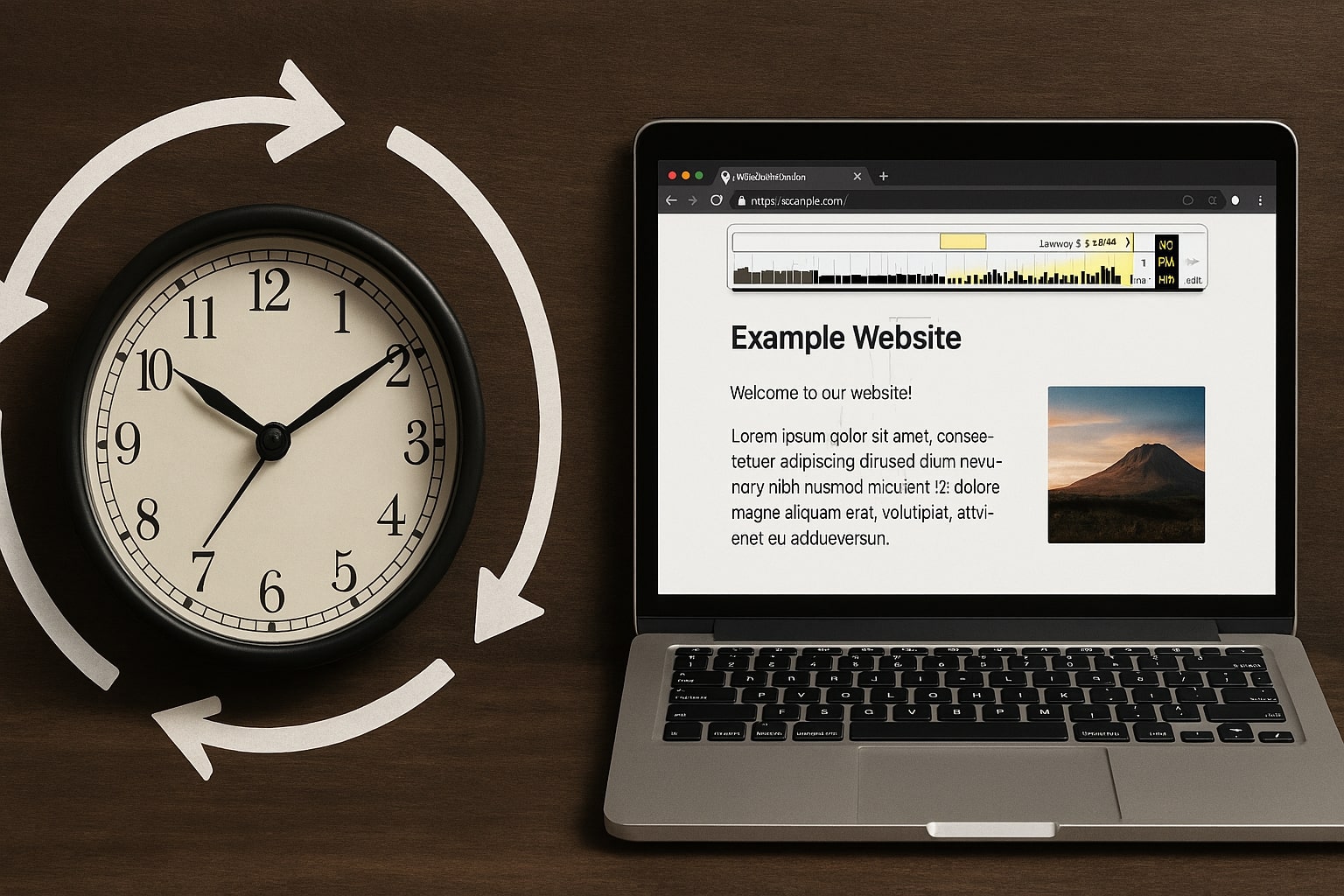
The internet changes fast. A landing page that was there yesterday might be gone today. A competitor might change their pricing overnight. Or worse, you might accidentally delete a blog post you spent hours writing.
If you have ever squinted at a "404 Not Found" error wishing you had a time machine, you are not alone. That is why we built the Website History Viewer.
Why You Need a History Viewer
ToolBond is built for efficiency-minded people: developers, marketers, and researchers. While the tool is simple (enter a URL, get a history), the use cases are powerful.
1. Competitor Analysis (The Privacy-Preserving Way)
Smart marketers don't just look at what competitors are doing today; they look at what they stopped doing. By viewing a competitor's site from 6 months ago, you can see:
- Which headlines they A/B tested (and rejected).
- How their pricing model evolved.
- Which features they removed.
The ToolBond Advantage: Our tool aggregates data from the Wayback Machine, Archive.today, and Google Cache instantly. You get a complete picture without opening three different tabs.
2. Recovering "Lost" Content
It’s a developer’s nightmare: A client deletes a page, or a server migration fails, and the backup is corrupt. Before you panic, check the history.
Our tool can find cached versions of the page from days or even years ago, allowing you to copy-paste the missing text back into your CMS.
3. Legal Evidence & Compliance
Sometimes you need proof. Maybe a Terms of Service page changed silently, or a product description promised a feature that is no longer there. A timestamped snapshot from an archive is often the only verifiable record of what the web looked like at a specific moment.
The "Power User" Workflow
ToolBond is designed as a toolkit, not just standalone apps. Here is how you can combine the History Viewer with our other privacy-first tools for a seamless workflow:
- Find the Old Page: Use the Website History Viewer to load a snapshot of the site from last year.
- Extract the Data: Instead of manually typing out text from a low-res screenshot, take a screen capture and drop it into our Image to Text (OCR) Tool. It extracts the copy instantly.
- Archive the Proof: Need to save the screenshot for a report? Use our Image Compressor to shrink the file size so you can archive thousands of evidence shots without cluttering your hard drive.
Why ToolBond? (The Privacy-First Difference)
Most online tools demand you upload files, sign up for newsletters, or wait in queues. We flipped the script.
- Client-Side Processing: We don't want your data. Whether you are generating passwords or compressing evidence, the logic runs in your browser using WebAssembly.
- No Sign-Up Friction: We believe tools should be accessible. No emails, no credit cards. Just open the page and work.
- Forever Free: We are built for devs and creators who value speed and utility over marketing fluff.
Ready to Time Travel?
Don't let a 404 error stop your research. Head over to the Website History Viewer now and see what the web looked like yesterday.