Top 5 Free Tools Every Content Creator Needs in 2025

Being a content creator in 2025 means wearing many hats: you're a writer, a designer, a photographer, and a community manager all at once. Having the right tools isn't just a luxury; it's essential for staying productive and creating high-quality content. The good news is that you don't need expensive software subscriptions for everything. Here are five powerful, free online tools that can streamline your entire workflow.

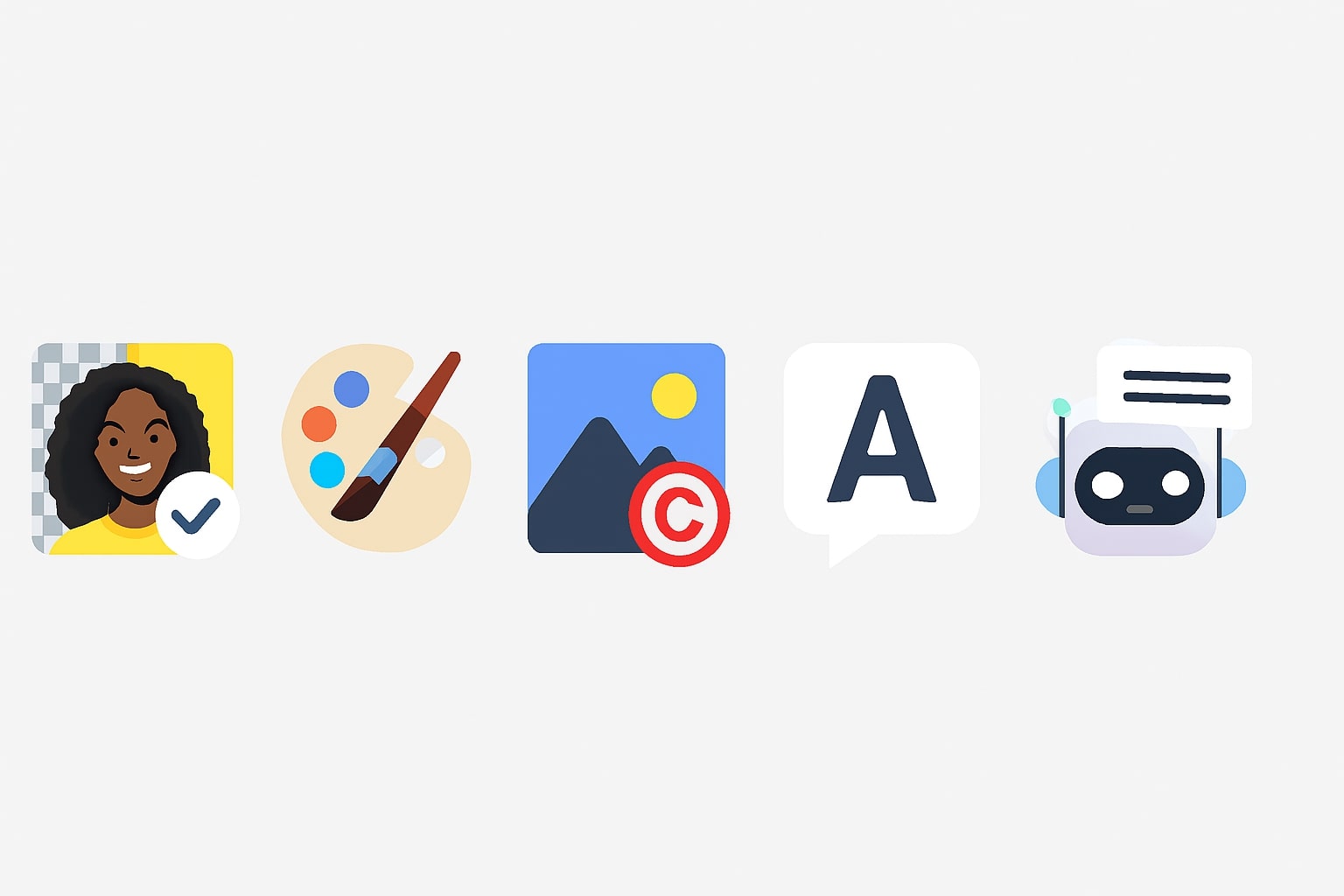
1. A Privacy-First Background Remover

The Problem: You need clean, professional-looking thumbnails, product shots, or profile pictures, but your original photos have distracting backgrounds.
The Solution: A one-click background remover is a game-changer. It allows you to isolate your subject and place it on any background, creating a consistent and polished brand look. For privacy, it's crucial to use a tool that processes images in your browser, not on a server.

Our Pick: The ToolBond Background Remover is 100% private and free, using AI to give you a perfect cutout in seconds.

2. A Creative AI Art Prompt Generator

The Problem: You have a creative block and need a unique featured image for your blog post or an inspiring visual for a social media campaign.
The Solution: AI art generators are incredibly powerful, but the quality of the output depends entirely on the prompt. A good prompt generator helps you build detailed, creative prompts by combining subjects, styles, and lighting, turning a simple idea into a work of art.

Our Pick: Use the ToolBond AI Prompt Generator to craft prompts for Midjourney, DALL-E, or Stable Diffusion.

3. A Secure Image Watermarking Tool

The Problem: You're a photographer or artist, and you need to share your original work online without fear of it being stolen and used without credit.
The Solution: A watermark is the simplest and most effective deterrent. By adding your logo or a text copyright notice to your images, you clearly mark them as your intellectual property. Again, a client-side tool is best for privacy.

Our Pick: The ToolBond Watermark Tool lets you drag, resize, rotate, and adjust the opacity of your watermark, all securely within your browser.

4. A Real-Time Word & Character Counter

The Problem: You're drafting a post for X (Twitter), a caption for Instagram, or an article for LinkedIn, and you need to stay within strict character limits.
The Solution: A simple, clean text editor with real-time word and character counts is essential. It allows you to write and edit freely, knowing your exact length at all times, which saves you the hassle of constant cutting and pasting.

Our Pick: Draft your posts in the ToolBond Text Editor & Word Counter to ensure they're perfect before you publish.

5. An Intelligent AI Comment Responder

The Problem: Your community is growing, and responding to every comment—both positive and negative—is becoming a full-time job. You need to stay engaged without spending hours typing.
The Solution: An AI-powered responder can help you craft thoughtful, appropriate replies in seconds. By providing the original comment and a desired tone (e.g., "Friendly," "Professional"), the AI can generate a perfect starting point for your response.

Our Pick: Handle your community engagement efficiently with the ToolBond AI Comment Responder.