
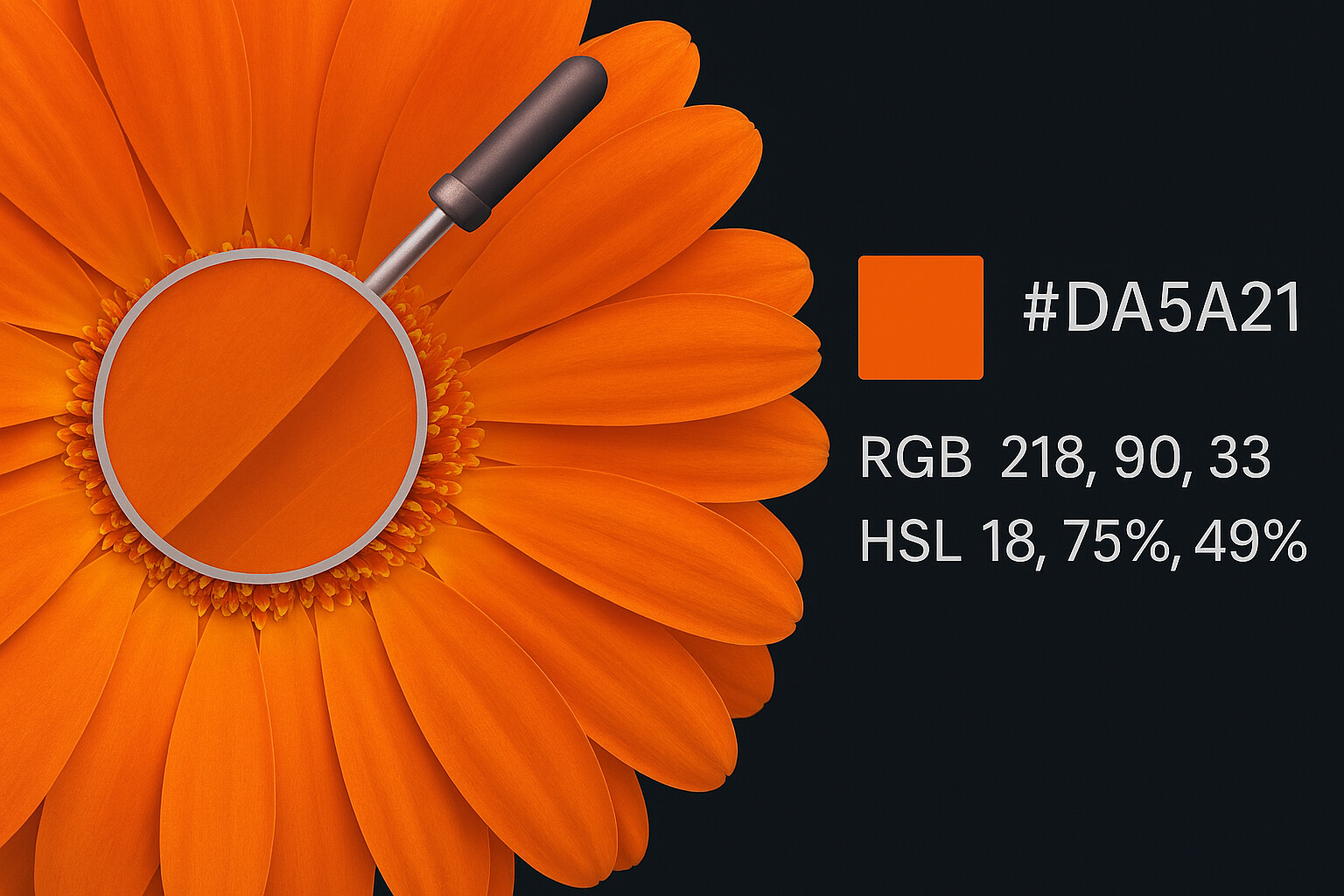
As designers and developers, we often see inspiration in the wild. Maybe it's a beautiful sunset photograph, a screenshot of a competitor's app, or a logo sent by a client. You need that exact shade of blue, but you don't know the code.
In the past, you had to open Photoshop, import the image, and use the eyedropper. Today, you can use a color finder from image tool right in your browser.
How to Use a Color Picker with Image
Our tool at ToolBond makes this process instant. Here is the workflow:
- Upload: Drag and drop your file into our Image Color Picker.
- Hover: Move your mouse over the image. A built-in magnifier lens will show you the pixels up close (perfect for high-res photos).
- Click: Click on the pixel you want.
- Copy: The tool instantly provides the HEX, RGB, and HSL codes.
Why Use a Colour Picker from Photo?
Whether you spell it "Color" or "Colour", the need is universal. Here are the top use cases:
1. Frontend Development
When converting a design from Figma or a JPEG mockup to HTML/CSS, you need precise values. Guessing "Dark Blue" isn't enough. You need #003366. A colour selector from image ensures your website matches the design perfectly.
2. Brand Consistency
Marketing teams often have logos but lose the brand guidelines PDF. By using a picture color picker, you can extract the exact brand colors from the logo file to use in Canva or PowerPoint.
3. Digital Art & Illustration
Artists use image picker color tools to build palettes from reference photos. If you want to paint a landscape with the same mood as a reference photo, picking the key colors gives you a head start.
Privacy First: No Uploads
Many online tools ask you to upload your images to a cloud server to process them. This is slow and a privacy risk.
ToolBond is different. Our color chooser from image runs entirely in your browser using HTML5 Canvas technology. Your personal photos never leave your device.
Supported Formats
Our colour picker image tool supports all major web formats:
- JPEG / JPG
- PNG (including transparency)
- WEBP
- SVG
Ready to pick?
Don't guess the color. Get the math behind it. Try the ToolBond Color Picker now.