
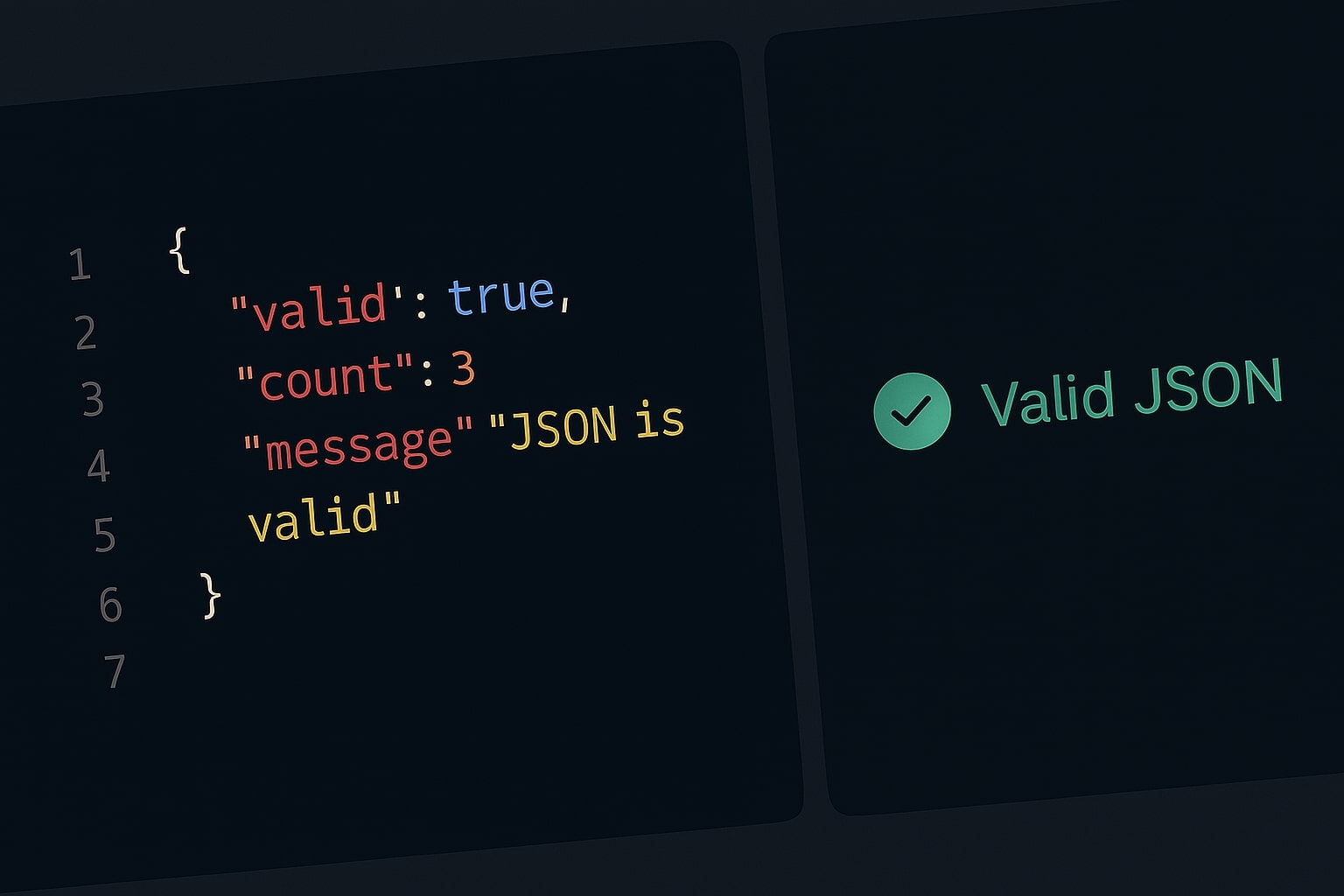
If you are a developer, you deal with JSON (JavaScript Object Notation) every single day. It is the standard format for APIs, configuration files, and data storage.
But JSON has a problem: It is incredibly strict. A single missing comma, an extra bracket, or a "smart quote" can crash your entire application. This is why every developer needs a reliable json validator online bookmark.
However, not all validators are created equal. In fact, using the wrong one could cause a massive security breach.
The Hidden Risk of Online Formatters
When your code crashes, your instinct is to copy the messy JSON response and paste it into the first "JSON Formatter" you find on Google.
Stop and think: What is in that data?
- User emails?
- API Keys?
- Database credentials?
Most online tools process your data on their servers. This means you are uploading your private data to a stranger's database just to format it. This is a major security risk.
The Solution: Client-Side Validation
At ToolBond, we built the best json formatter with a privacy-first architecture. Our tool runs entirely in your browser using JavaScript.
When you paste code into our JSON Formatter & Validator, it is processed by your computer's RAM. It never travels over the internet. You can even disconnect your Wi-Fi, and it will still work.
How to Use a JSON Formatter and Validator
Using our tool is simple, but it does more than just make code look pretty. Here are the three main functions:
1. Validation (Debugging)
Paste your raw string. If there is a syntax error, our json formatter validator will highlight exactly where the script broke. It catches common issues like:
- Trailing Commas:
{"id": 1,}(Invalid in standard JSON). - Single Quotes:
{'key': 'value'}(JSON requires double quotes). - Unescaped Characters: Special characters that break the string.
2. Beautifying (Pretty Print)
APIs often return "minified" JSON to save bandwidth. It looks like a solid wall of text. Our json formatter adds proper indentation and line breaks so humans can read it.
3. Minifying (Compression)
If you are sending data back to a server, you want it to be as small as possible. Our tool can strip all whitespace to reduce file size instantly.
Why ToolBond is the Best JSON Formatter and Validator
We combined simplicity with security. Whether you are a backend engineer debugging a REST API or a frontend developer mocking data, you need a tool that doesn't get in your way.
- 0% Data Leakage: 100% Client-side.
- File Upload Support: Drag and drop
.jsonconfig files directly. - Instant Feedback: Real-time error detection.
Summary
Don't let a missing bracket ruin your day, and don't let a server-side tool steal your data. Switch to a secure json validator online that respects your privacy.
Try the tool now: Launch Free JSON Formatter