
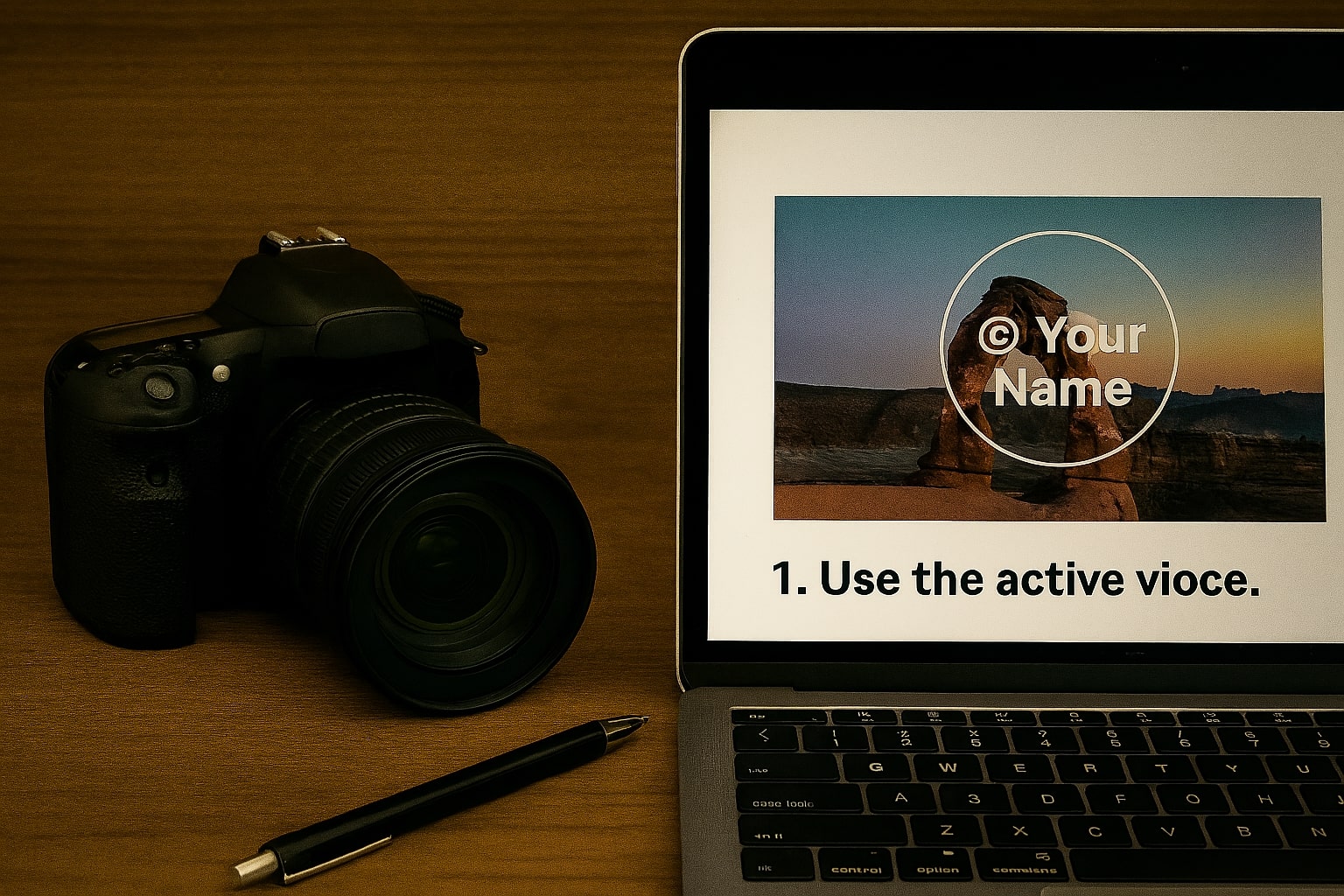
As a content creator, your images are your assets. Unfortunately, the internet makes it incredibly easy for people to copy and use your photos without permission. While you can't stop a determined thief, you can implement simple deterrents that will stop most casual image theft and ensure you always get credit for your work. Here are four effective steps you can take today.
1. Watermark Your Images (The Right Way)
Watermarking is your first and most powerful line of defense. A watermark is a semi-transparent logo or piece of text overlaid on your image. A good watermark makes it difficult for someone to use your photo without credit, but it doesn't distract from the image itself.
- Use a Logo or Text: You can use your brand logo or a simple text notice like "© Your Name".
- Adjust Opacity: A good watermark is visible but not overpowering. Aim for an opacity between 30% and 50%.
- Strategic Placement: Place your watermark in a location that is difficult to crop out, such as over a key part of the subject, rather than in an empty corner.
Our Free Watermark Tool lets you do all of this right in your browser. You can drag, resize, rotate, and change the opacity of your text or logo watermark, and your images are never uploaded to a server.
2. Upload Lower Resolution Images
Upload high-resolution images only when necessary (e.g., for a print store). For your blog, social media, and portfolio, a web-optimized, lower-resolution version is often sufficient. A common web-friendly width is between 1500 and 2500 pixels.
This ensures your images look great on screen but are not high enough quality to be used for professional printing, which deters commercial theft.
3. Add a Copyright Notice to Your Website
This is a simple but important legal step. Include a copyright notice in the footer of your website. The standard format is:
Copyright © [Year] [Your Name or Company Name]. All Rights Reserved.
While this doesn't technically stop someone from downloading an image, it clearly states your ownership and legal rights, which can be crucial if you ever need to issue a takedown notice.
4. Disable Right-Click (As a Minor Deterrent)
Disabling the right-click context menu can stop the most basic form of image theft. It's important to know that this is not foolproof—a tech-savvy person can easily bypass it by looking at the page source. However, it's effective at stopping casual, non-technical users.
This can be implemented with a small piece of JavaScript, but use it sparingly as it can sometimes frustrate users who use right-click for legitimate reasons.
Conclusion
By combining these simple techniques—especially effective watermarking—you can significantly reduce the risk of image theft and ensure your creative work is protected. Start by making watermarking a standard part of your workflow.